Deleting your user account

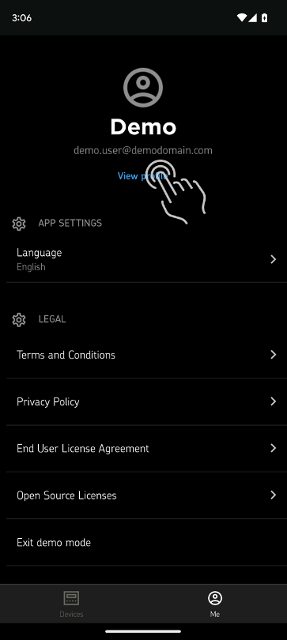
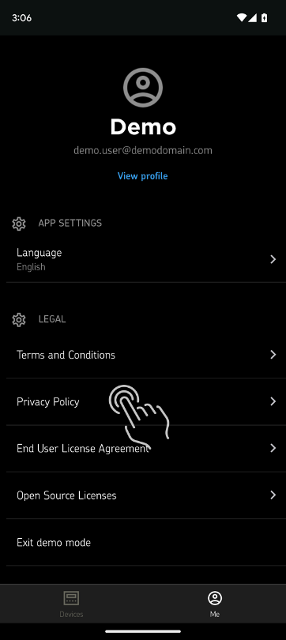
1. From the Profile tab, click ”View profile”

Profile view

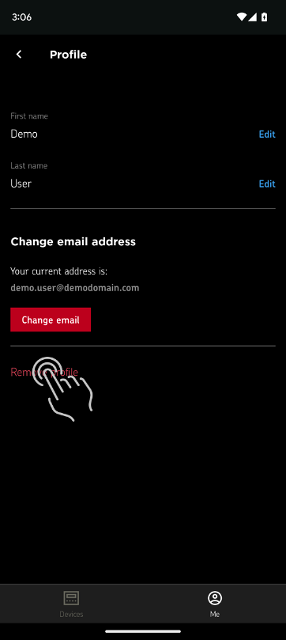
2. Click ”Remove profile”

Account details

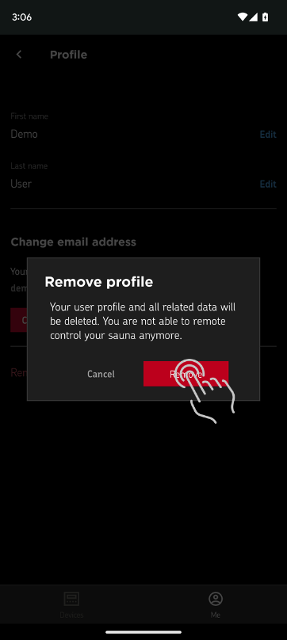
3. In the confirmation dialog, click “Remove”

Account removal confirmation

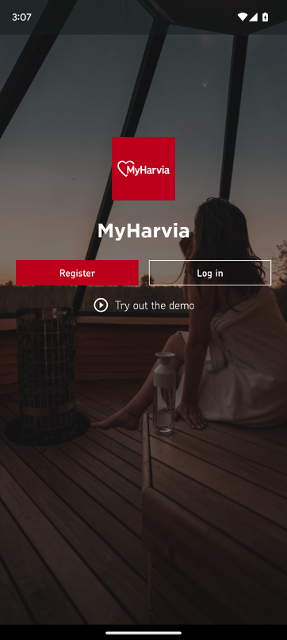
4. After your profile/account has been removed, you will be redirected to the login screen.

Login view

Requesting that your data is deleted without deleting your account

Contact harvia@harvia.fi.

Consult the Privacy Policy for more information.
Privacy policy